July 8th, 2026

New

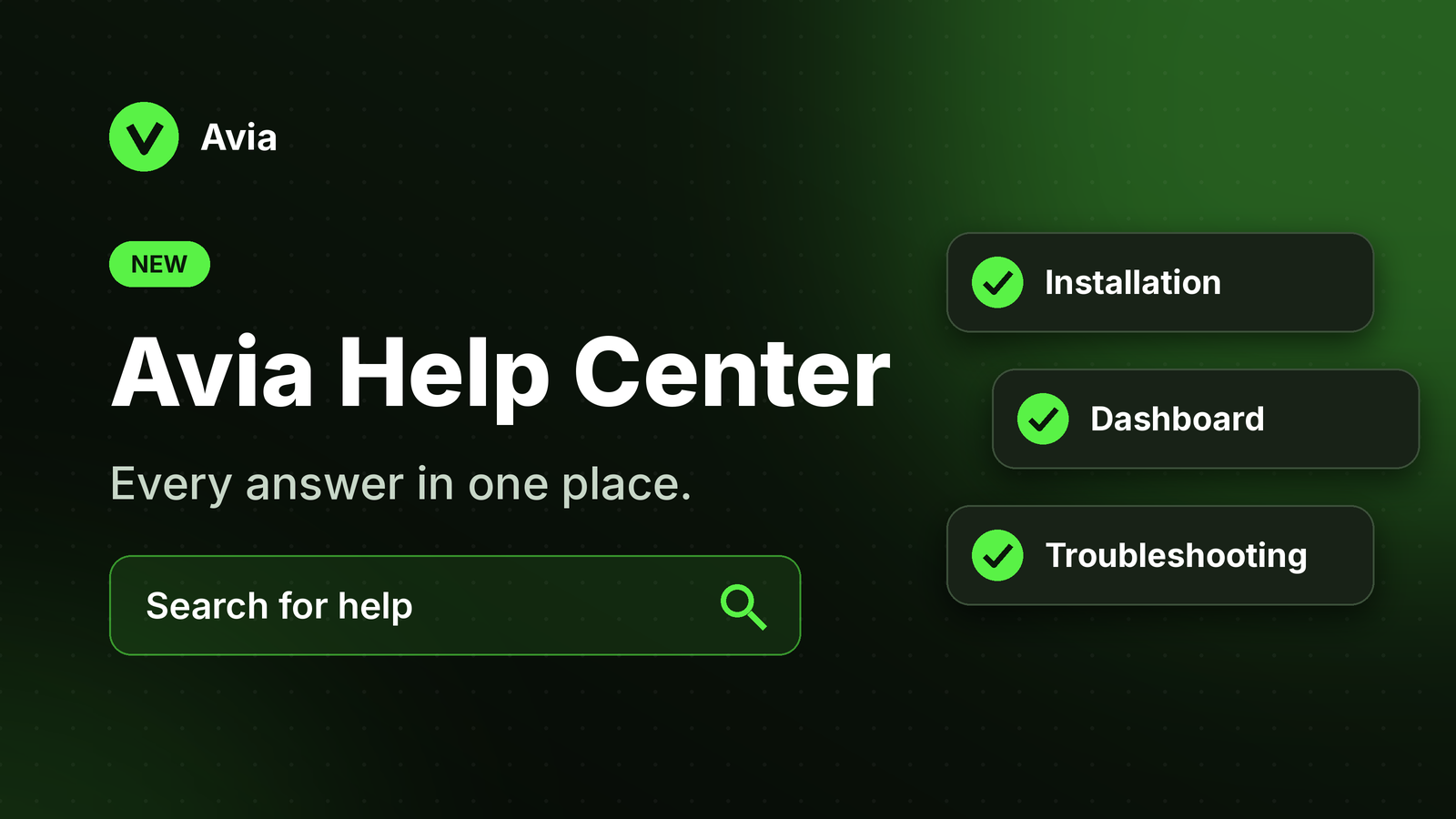
Avia Help Center is now available

We’ve launched the Avia Help Center to make setup, troubleshooting, and dashboard guidance easier to access.

The Help Center brings together product guides, installation articles, dashboard explanations, store setup instructions, and troubleshooting resources in one place.

What changed

  • Added Getting Started guides

  • Added Device & Installation articles

  • Added Power & Connectivity guides

  • Added Dashboard & Analytics explanations

  • Added Store Management and Shopify setup articles

  • Added troubleshooting articles for common issues

  • Added guidance for PoE, LED status, heatmaps, traffic metrics, and Labor Efficiency

Why it matters

Customers and internal teams can now find answers faster without needing to contact support for every question.

This helps store teams understand Avia setup, device status, traffic data, heatmaps, Shopify connection, and common troubleshooting steps more clearly.

Who is affected

All Avia users, store teams, support teams, and sales teams.

How to use it

Open the Avia Help Center and search for the topic you need.

You can use it to learn how Avia works, check setup requirements, understand dashboard metrics, and troubleshoot common issues.

Learn more

Visit the Avia Help Center to explore setup guides, dashboard explanations, store management articles, and troubleshooting resources.