Changelog

Follow new updates and improvements to Avia.

The Avia Help Center is here
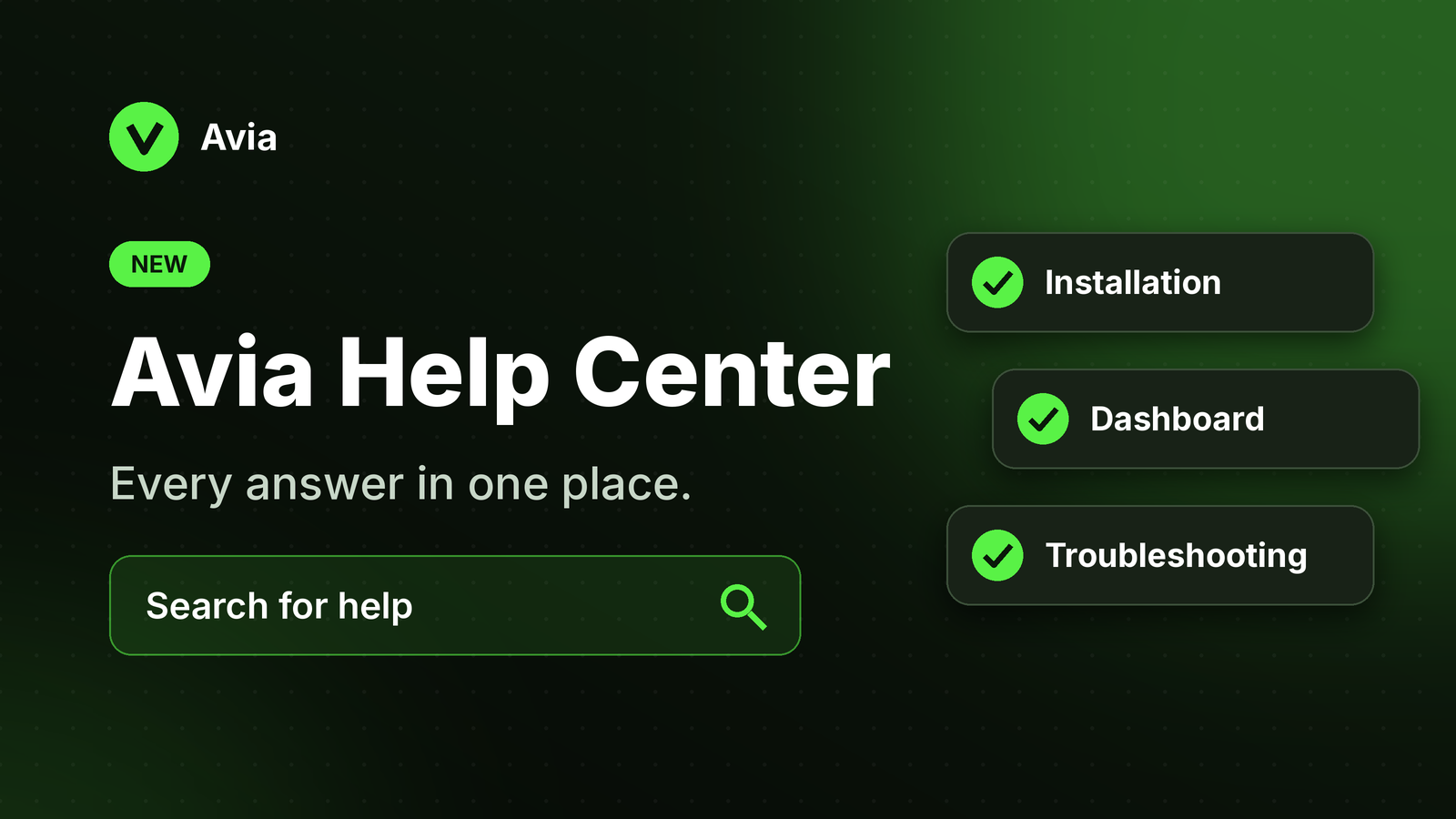
Got a question about Avia? The answer is now one search away.

The new Avia Help Center brings all our guides together in one place:

  • Getting started: what's in the box and what to prepare before installing

  • Installation: mounting, height and placement

  • Power & connectivity: PoE, Ethernet and Wi-Fi setup

  • Dashboard & analytics: traffic, conversion, heatmaps and Labor Efficiency explained

  • Store setup & Shopify: connecting your devices to the right store

  • Troubleshooting: quick fixes for common issues
👉 Visit the Help Center

New

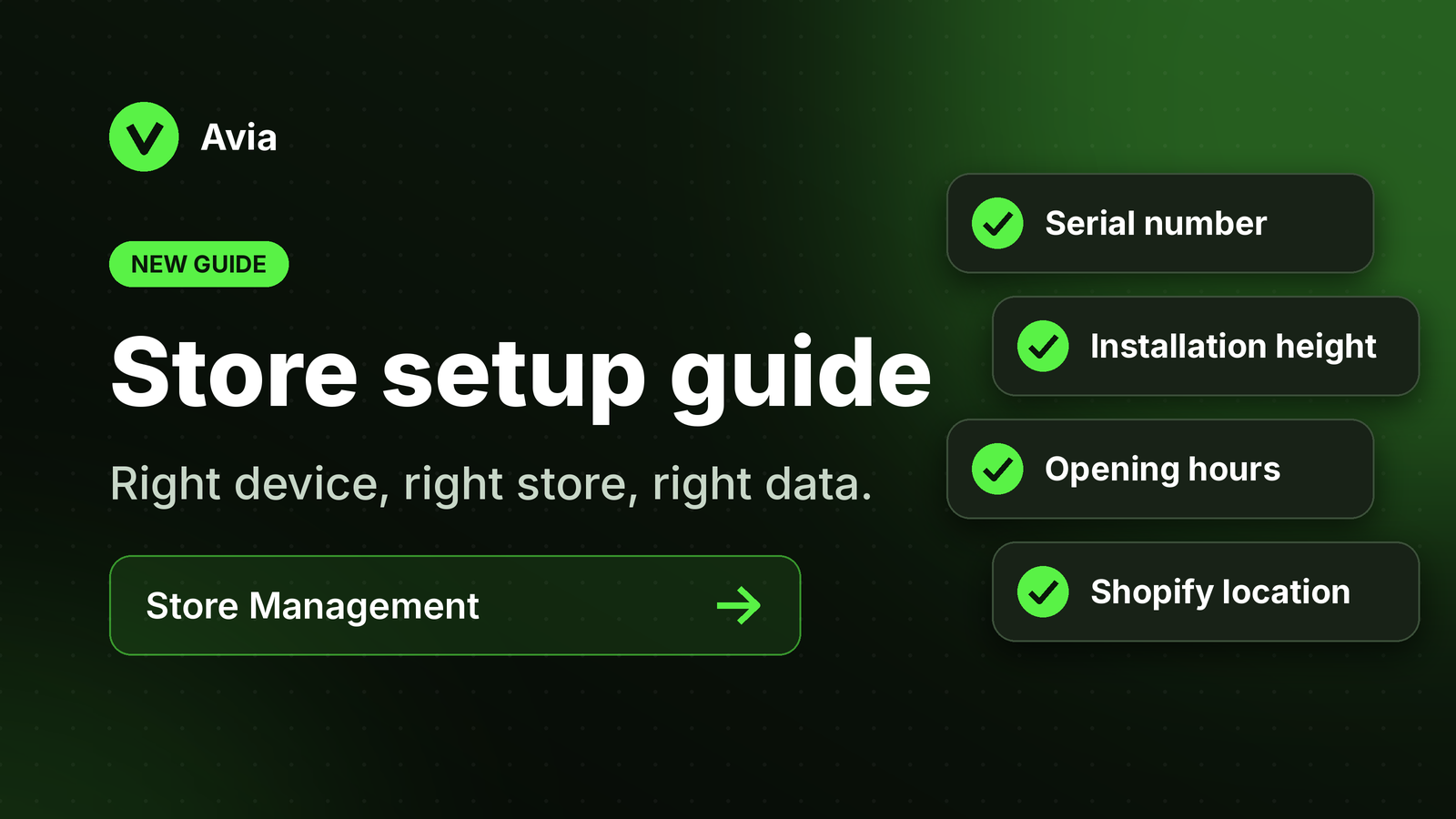
New guide: setting up your store in Avia

Make sure every device sends its data to the right store.

Our new step-by-step guide walks you through everything Store Management needs:

  • Serial number: assign each device to the correct store

  • Installation height: so the device counts visitors accurately

  • Opening hours: so traffic matches when your store is open

  • Shopify location: link the right location so traffic and sales line up

Why it matters: if any of these details are wrong, your traffic and sales can appear under the wrong store, or look missing.

👉 Read the store setup guide

Using Shopify? See also Avia & Shopify.

New

Show net sales on your dashboard

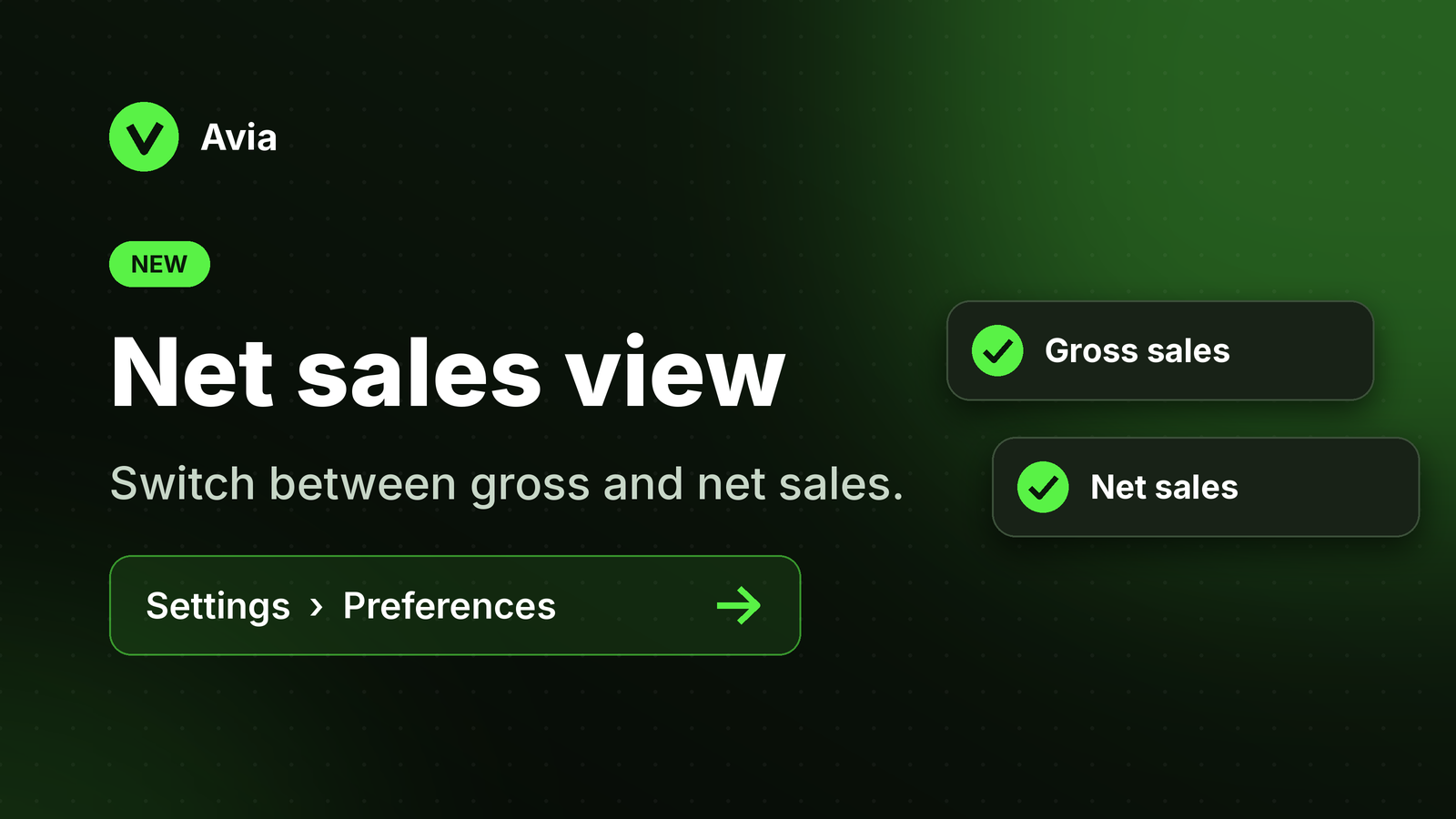
You can now choose whether your dashboard shows gross sales or net sales.

  • Gross sales: total sales before discounts and returns

  • Net sales: sales after discounts and returns are subtracted

How to switch: go to Settings → Preferences and choose Gross sales or Net sales. All sales-based numbers update to match, including Average Order Value, Revenue per Visitor and the daily performance table.

👉 Read more in the dashboard overview

New

Earlier updates