New guide: setting up your store in Avia
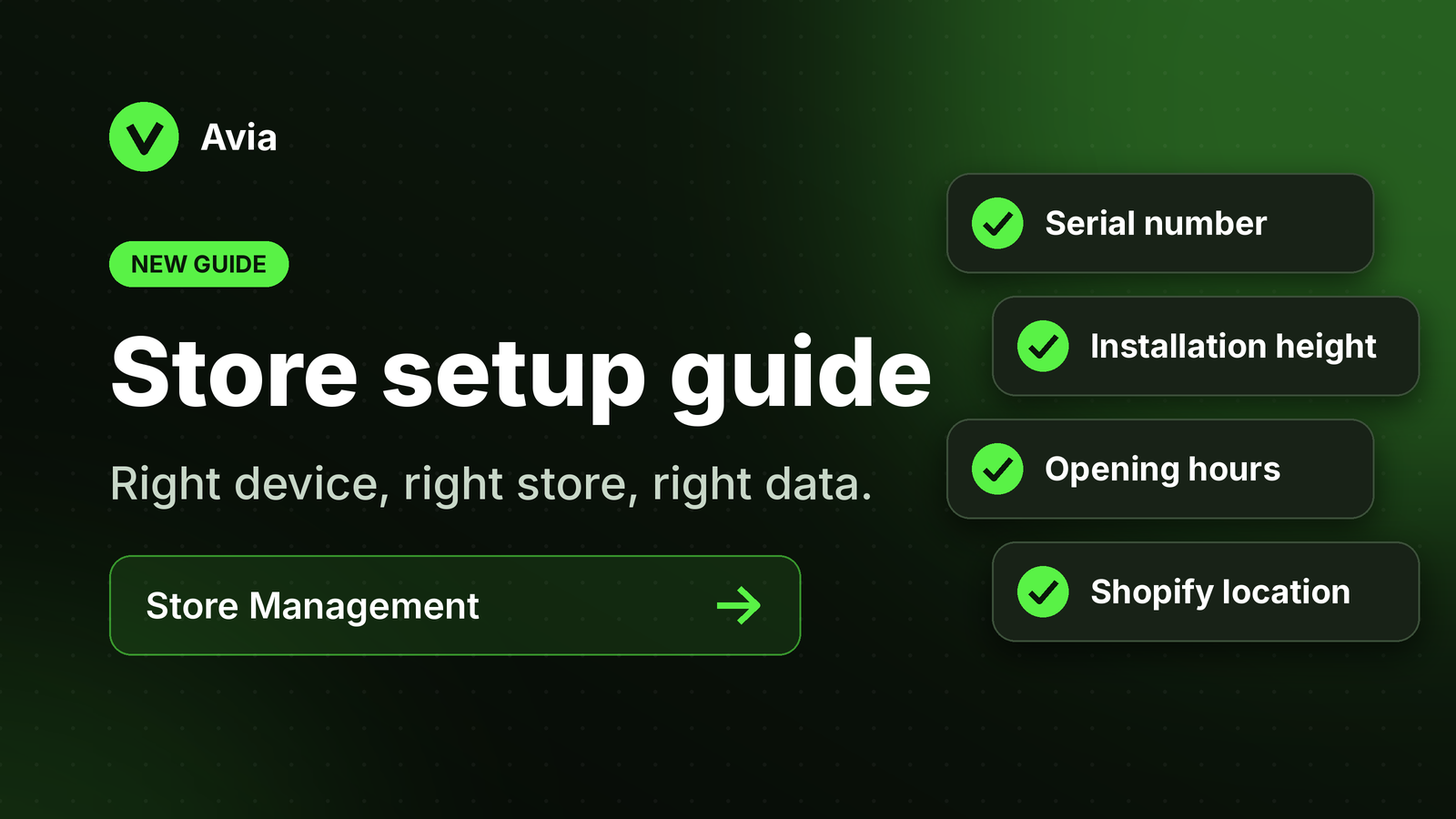
Make sure every device sends its data to the right store.
Our new step-by-step guide walks you through everything Store Management needs:
Serial number: assign each device to the correct store
Installation height: so the device counts visitors accurately
Opening hours: so traffic matches when your store is open
Shopify location: link the right location so traffic and sales line up
Why it matters: if any of these details are wrong, your traffic and sales can appear under the wrong store, or look missing.
Using Shopify? See also Avia & Shopify.